
Note
Go to the end to download the full example code or to run this example in your browser via Binder
NSAMT tensors recovery#
Recovers NSAMT tensors from sample of EDI files.
# Author: L.Kouadio
# Licence: BSD-3-clause
Tensor recovery is necessary when dealing with
NSAMT data. The code below is an example to recover the weak and missing
frequency signal using .em processing methods. The tensor recovery and the
data quality control are ensured by the methods zrestore() and
qc() respectively. The TPlot
module from .view is used for the visualization. For a demonstration,
I collect twelve samples of EDI objects stored in the software as:
The method exportedis() can be used to export
the new tensor (new_Z) ready for modeling.
In the example below (umcommented), I use raw non-preprocessed EDI data
as raw_data that includes missing tensor
and weak frequency signals. The complete case data history data can be
available upon request. Thus the recovered resistivity tensor from
randomly sites E12 and E27 can be visualized by feeding the “raw_data”
to the fit method of TPlot as follow:
# >>> TPlot().fit(<<raw_data>>).plot_multiple_recovery (sites =['E12', 'E27'])
Refer to EM method for the output
After recovering the signal, the latter exhibits a field strength amplitude for the next processing step like filtering. A simple filtering like adaptative moving average (AMA) proposed by Torres-verdìn and Bostick, (1992) can be used by simply calling:
edi_corrected =EMAP (window_size =5, c =2 ).fit(edi_data ).ama ()
# where 'c' is a window-width expansion factor inputted to the filter adaptation process to control
# the roll-off characteristics of the Hanning window (Torres-verdìn and Bostick, 1992).
Note that, like all the view plotting classes, TPlot inherits from a global
abstract base class parameters BasePlot. Thus, each plot
can flexibly be customized according
to the user’s desire. For instance, to visualize the corrected 2D tensors, one
can customize its plot as:
plot_kws = dict(
ylabel = '$Log_{10}Frequency [Hz]$',
xlabel = '$Distance(m)$',
cb_label = '$Log_{10}Rhoa[\Omega.m]$',
fig_size =(6, 3),
font_size =7)
Let visualize the raw-tensor and compared to the filtered tensors
TPlot(**plot_kws).fit(edi_data).plot_tensor2d(to_log10 =True)
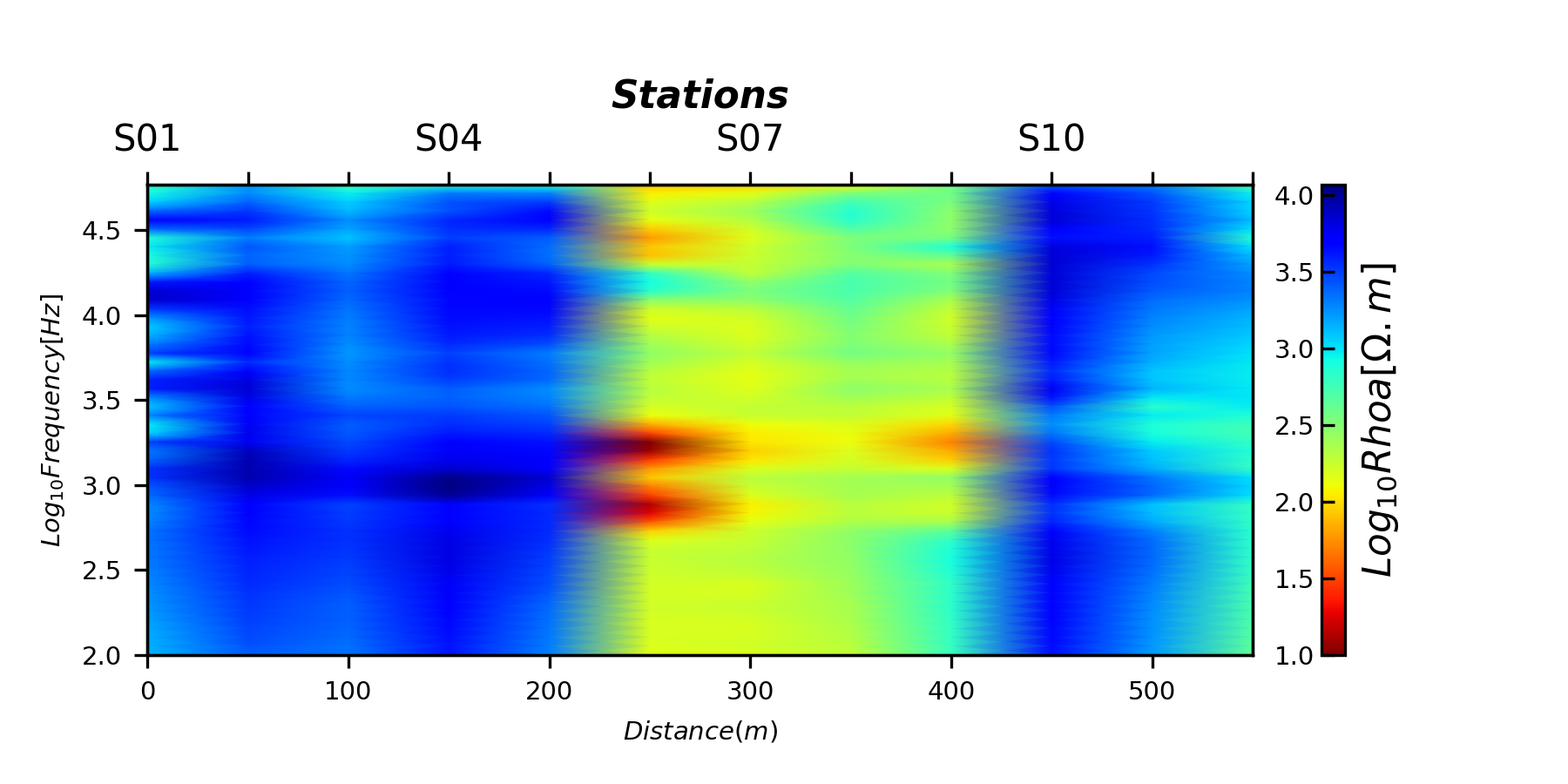
<AxesSubplot:xlabel='$Distance(m)$', ylabel='$Log_{10}Frequency [Hz]$'>
Let visualize the filtered tensors pass to parameter ffilter:
Triming moving average (TMA) (
tmais the default filter)
TPlot(**plot_kws ).fit(edi_data). plot_ctensor2d (to_log10=True)
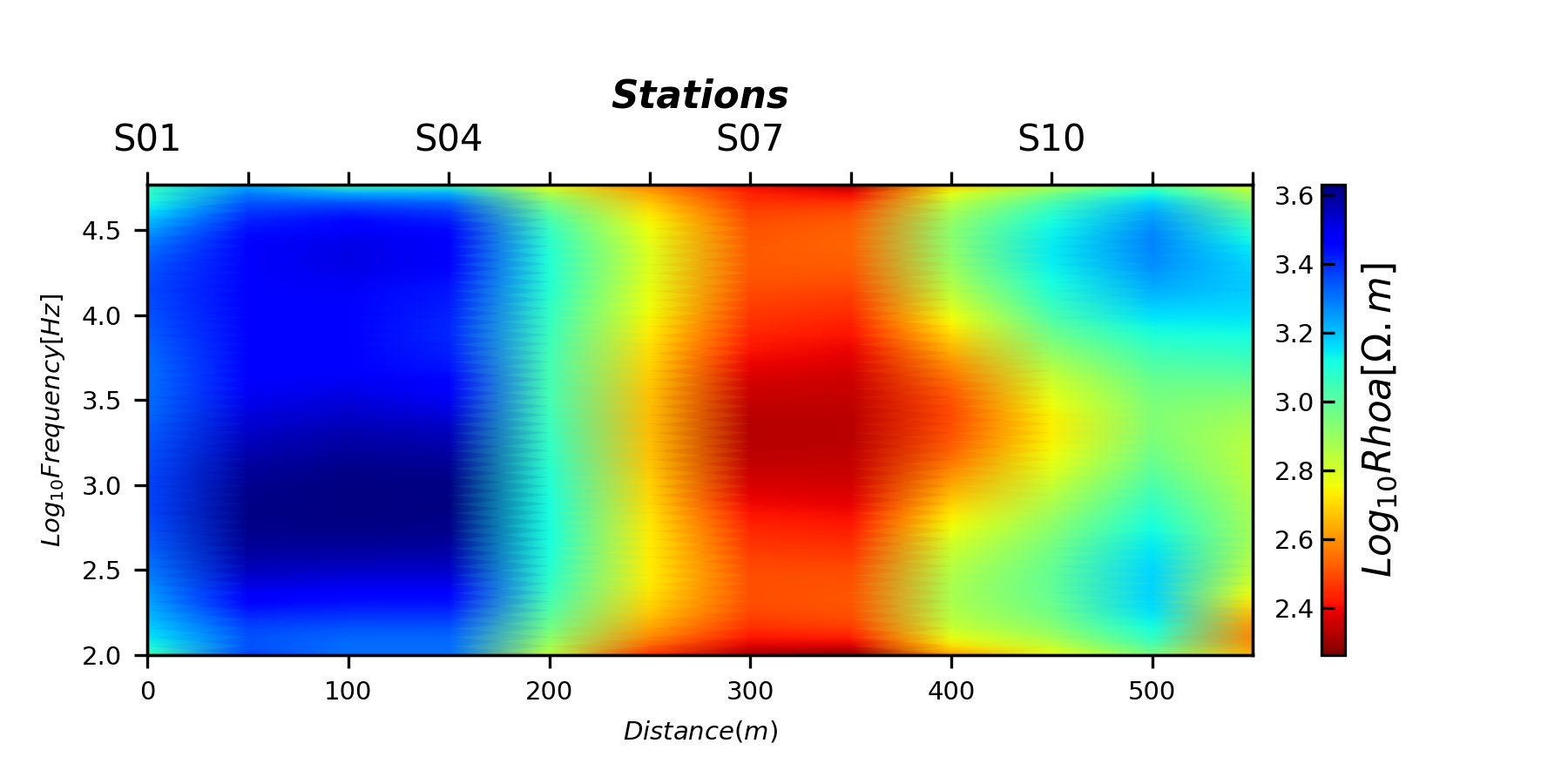
<AxesSubplot:xlabel='$Distance(m)$', ylabel='$Log_{10}Frequency [Hz]$'>
Fixed-length-dipole (FLMA)
TPlot(**plot_kws ).fit(edi_data).plot_ctensor2d(to_log10 =True, ffilter ='flma')
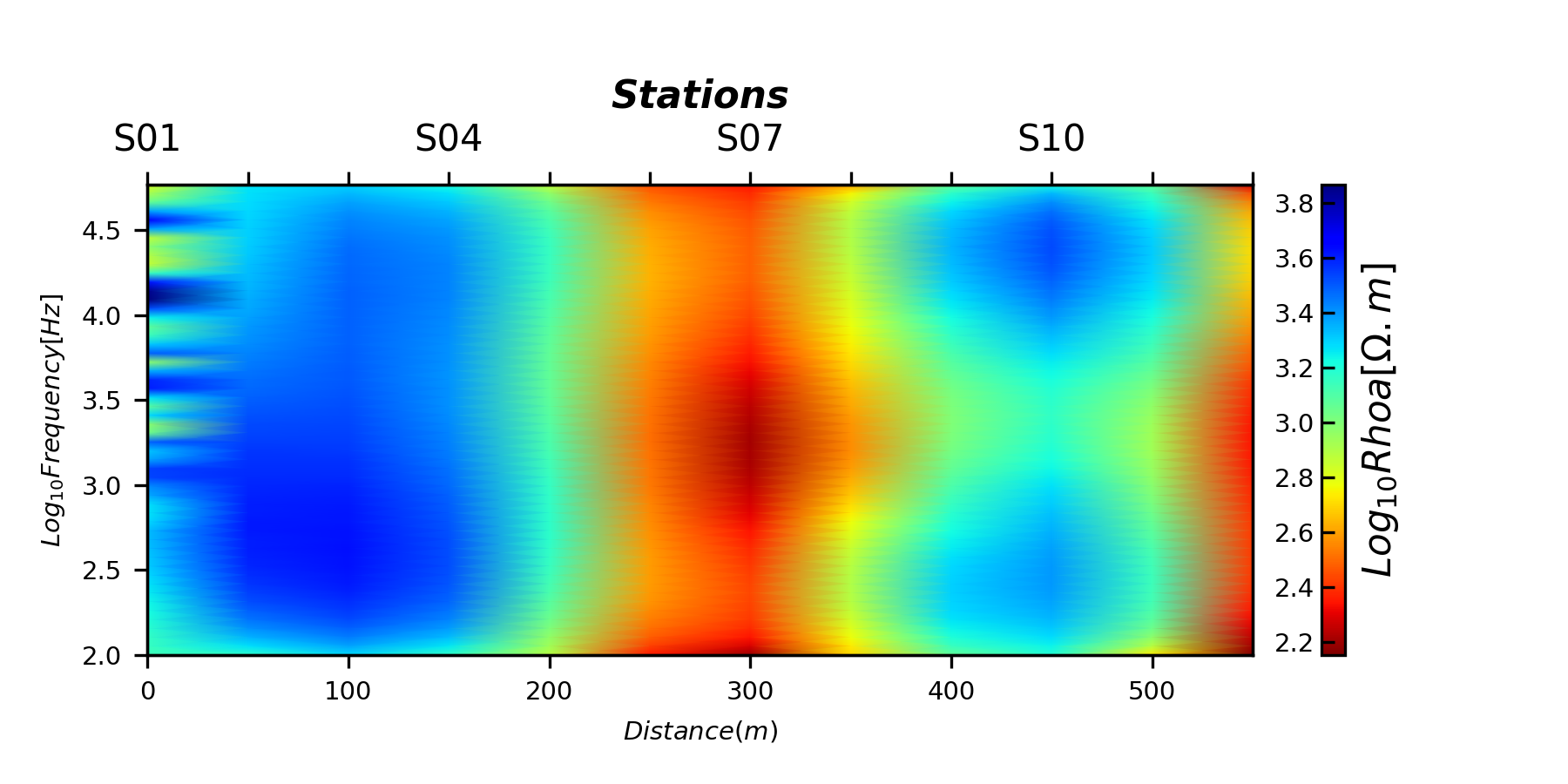
<AxesSubplot:xlabel='$Distance(m)$', ylabel='$Log_{10}Frequency [Hz]$'>
Fixed-length-dipole (FLMA)
TPlot(**plot_kws ).fit(edi_data).plot_ctensor2d(to_log10 =True, ffilter ='ama')
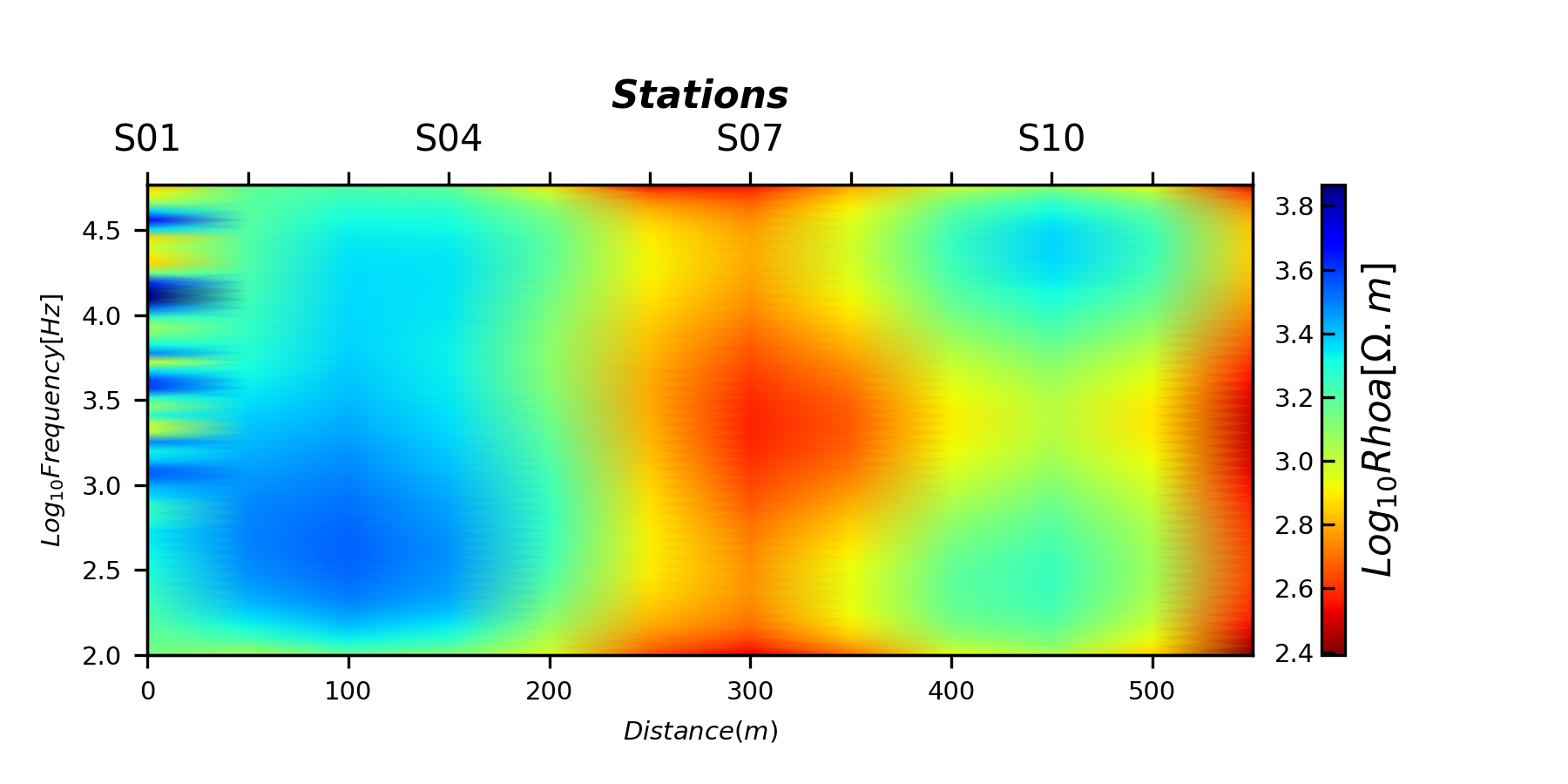
<AxesSubplot:xlabel='$Distance(m)$', ylabel='$Log_{10}Frequency [Hz]$'>
Total running time of the script: (0 minutes 3.215 seconds)
